Tools and Processing
Checklists
Create pre-flight and post-flight checklists manually or with AI to make sure pilots meet all safety requirements throughout every flight. Pilots complete checklists in the Nova AirCast app, and each completed checklist is automatically assigned to its flight.
Checklist Dashboard
Missing checklists
Review any missed checklists to make sure every flight and pilot meets your organization’s safety standards.

Checklists Overview
View all of your organization’s checklists, the number of questions in each, and the number of submissions across your team.

Creating a Checklist
Select the New Checklist button in the top right corner of the screen.

Choose whether to upload an existing checklist, create one manually, or create one with AI.

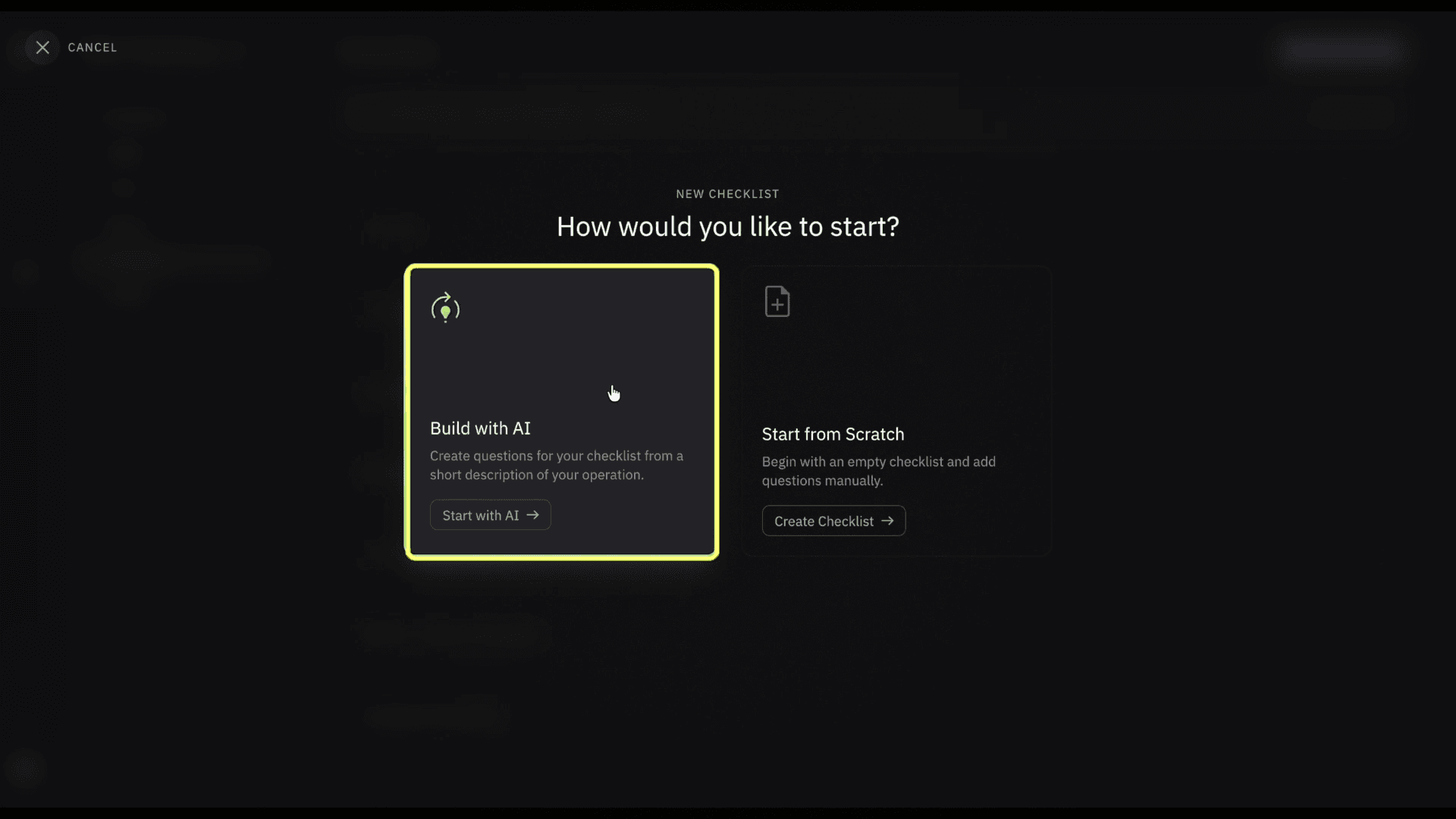
If using AI, describe what you want in your checklist or upload a document to help guide it.

Select Generate Checklist when you’re done.

Customizing a Checklist
Once your checklist is generated, give it a name, add a description, and review each question before publishing.

Question Types
Personalize each question (True or False, a written response, or multiple choice etc.)

Publishing a Checklist
Select the Publish button in the top right corner to make the checklist available in Nova AirCast.

Related to Tools and Processing