Foundations
Live Stream In First Due
First Due is a cloud-based software platform for fire departments and EMS agencies. It’s trusted by over 3,000 public safety agencies and more than half a million users across North America. Departments rely on it for response calls, planning, size-ups and more. Learn how to get your Nova livestream into First Due.
Copy the All Streams Link In Nova
From within the Home page select on the Settings Button “Gear Icon” in the bottom left corner of the screen. Under the Live Steams Tab Select on “All Streams Link”


In the All Streams Page Select “Copy URL” - This URL Is required in First Due.


Paste All Streams URL in First Due
Select the Menu Button in the Bottom right Corner of the Screen

Select on “Outside Resources”, followed by the “Plus Icon” in the top right corner of the screen

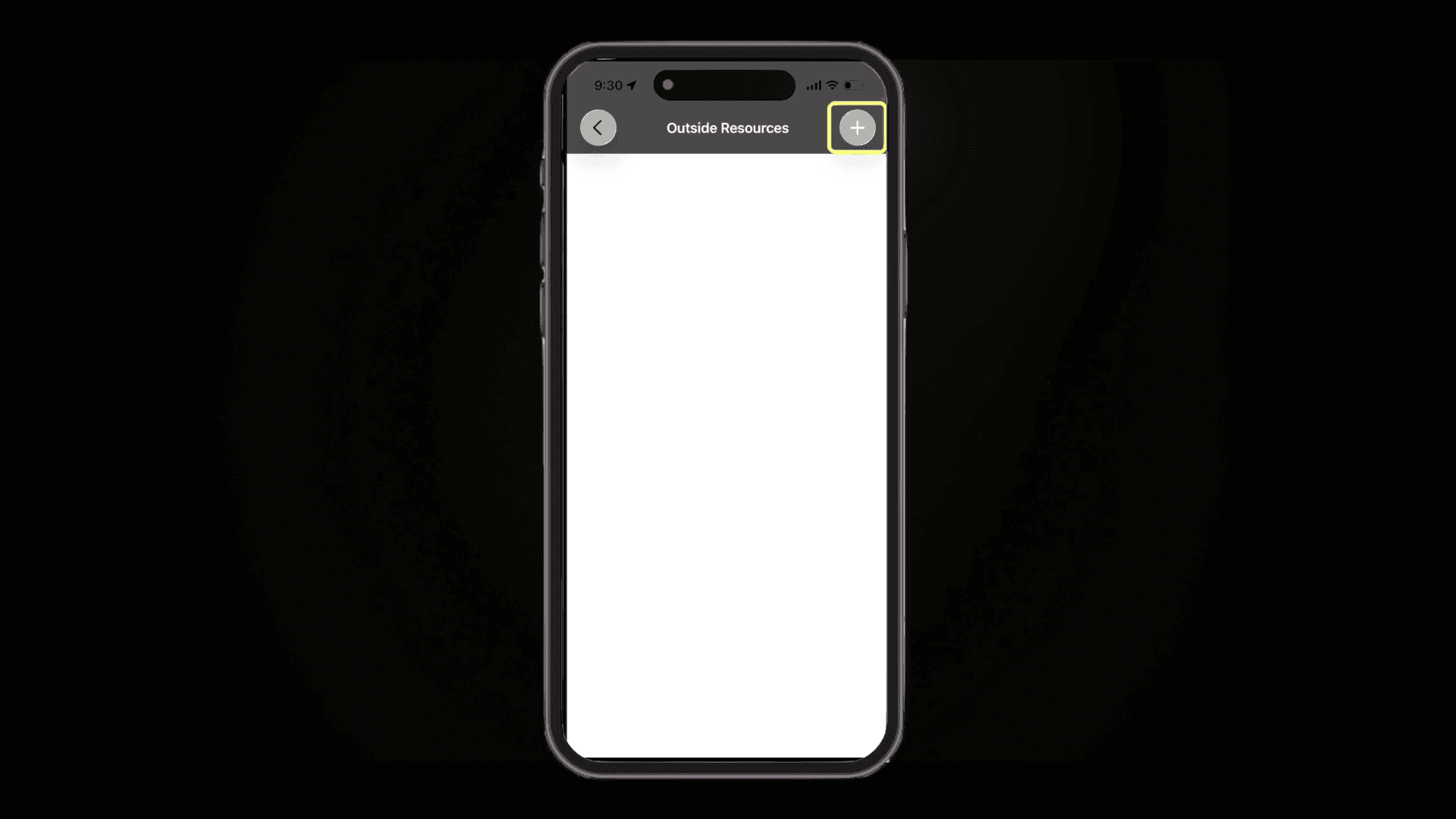
Enter your Livestream Title, and Paste the “All Streams Link” URL from Nova, followed by the “Save” Button.

When Saved the Link will always appear within the Outside Resources tab. Select the Link to view any active streams within Nova


Related to Foundations