Foundations
Integration With AGOL
This article walks through how to set up your ESRI integration with Nova, so you can share data directly within your ESRI enterprise. We’ll cover how to connect your account on the Nova side, how to share data once you’re connected, and what that looks like on the ESRI database side.
Connecting Nova and ESRI
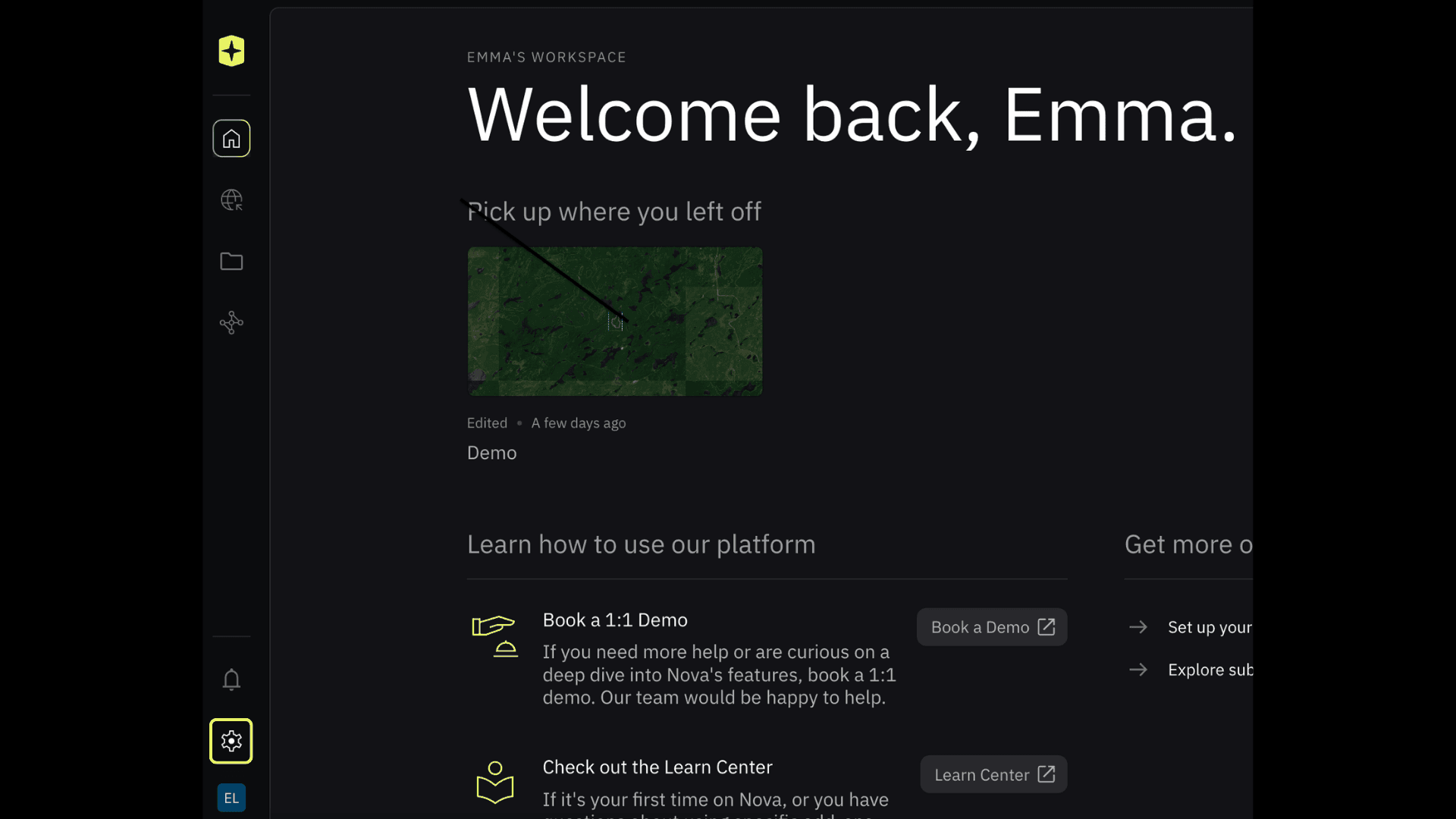
Open Settings.
Click the gear icon in the bottom left of your home screen.
Go to Integrations.
In the left-hand menu of Settings, select Integrations.

3. Connect to ESRI.
Click Connect and log in to your ESRI account.

4. Choose sharing level

5. Set your destination in AGOL

Sharing Data From Nova to ESRI
Select the layer you want to send.

2. Open the Data panel.
In the feature panel on the right, click Data. If you haven’t connected to ESRI yet, this is where you can export manually. Once you’re connected, you’ll see an Integration tab here.

3. Click Share to ‘your destination’ to push the layer directly to your AGOL account.

Data that can be shared includes Fire Perimeter, Hotspots, Orthomosaic, Icons, Lines, and Polygons.
They are shared as compressed KMZs hosted on our servers. So you won’t use up any credits within AGOL.
On the ESRI Side
Your synced layers will appear within your AGOL contents pane or whichever target group you selected during setup as a KMZ

Related to Foundations