Back to blog
Jun 22, 2026
Journal

A practical guide to connectivity options for cloud-based drone software users
Most drone mapping software is cloud-based. This is a feature and not a limitation because it means your data is processed faster, your team can collaborate in real time, and you're always running the latest version. But it does come with one drawback: you need internet in the field.
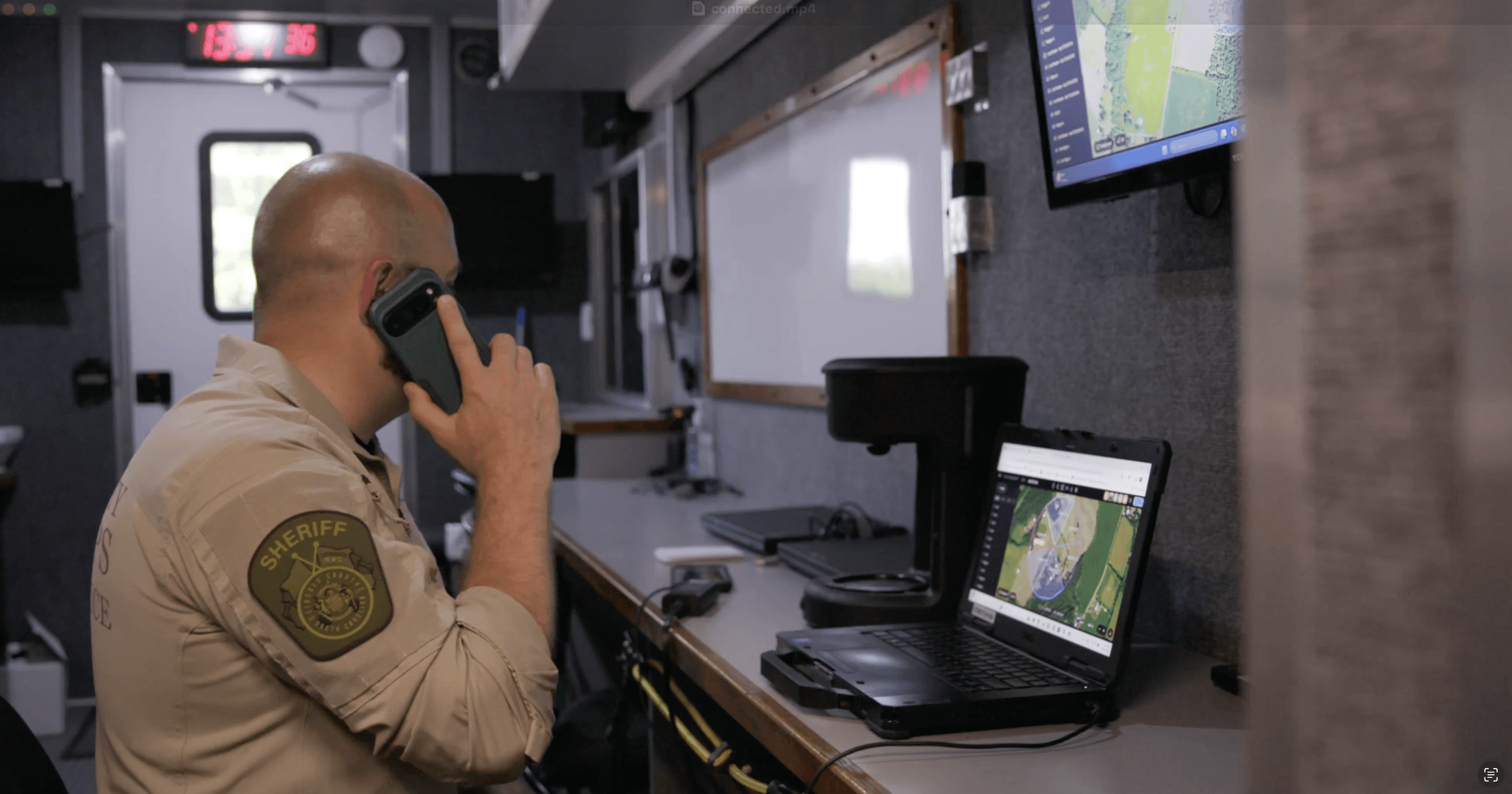
For a lot of agencies, that's a solved problem. You're operating in an area with good cell service, you set up a mobile connection, and you're good to go. For others, responding to wildland fires in remote terrain, conducting search and rescue missions in the backcountry, or providing flood response in areas where towers are down, connectivity is critical.
Here's a breakdown of the most common options agencies are using, what each one is good for, and where each one falls short.
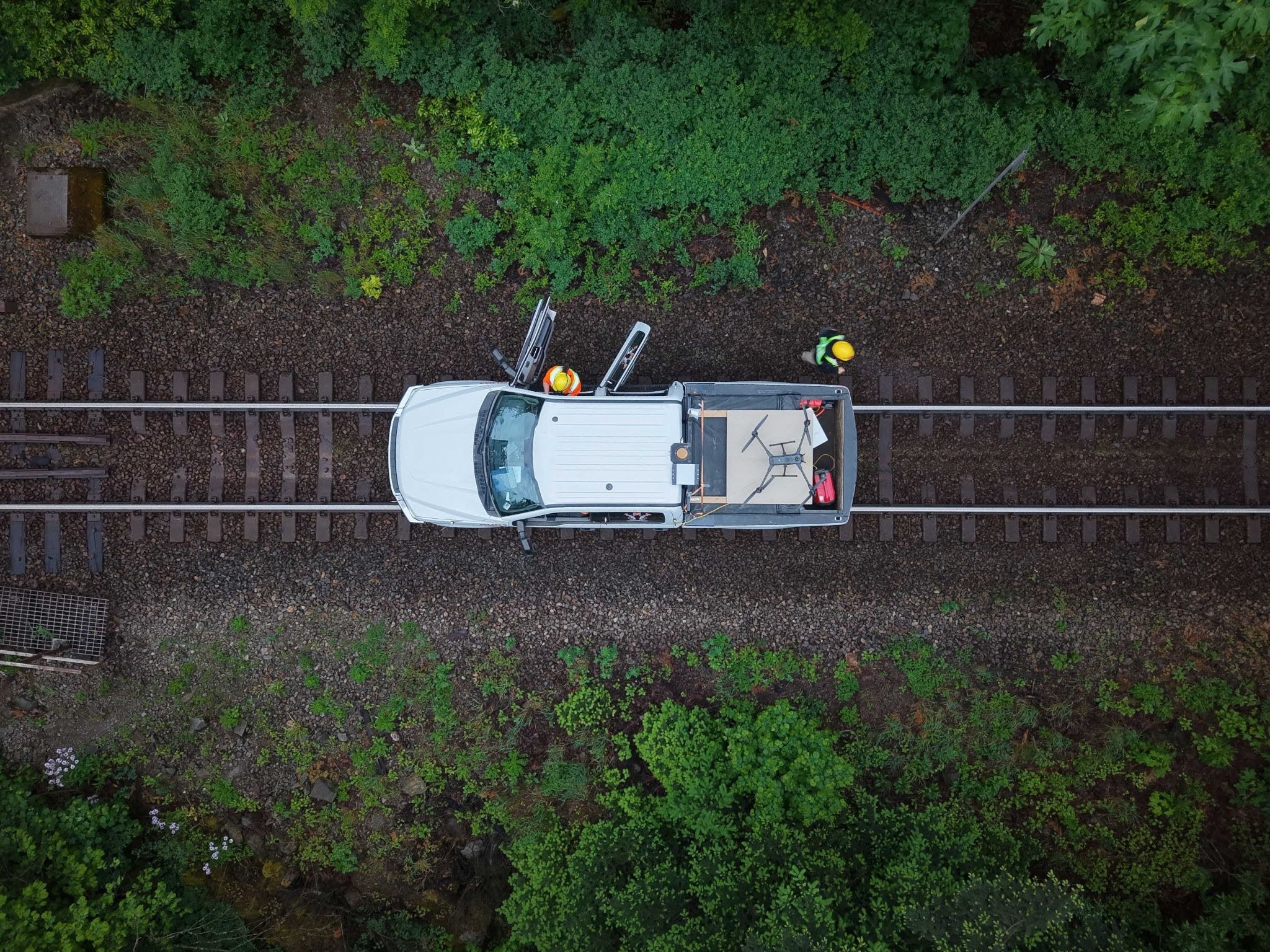
1. Cellular Hotspot (Phone or Dedicated Device)
Best for: Most operations with reasonable cell coverage
This is the starting point for most teams. Whether it's a personal hotspot from your phone or a dedicated mobile hotspot device, cellular data is fast to set up and usually sufficient for uploading flight data, running Nova, and sharing live streams.
The limitation is obvious: you're at the mercy of cell towers. In rural wildland areas, active disaster zones, or anywhere cell infrastructure is compromised, this isn't a reliable primary connection.
What to look for: Dedicated hotspot devices are more reliable than phone hotspots for sustained field operations because they're designed to maintain connections longer, handle heat better, and support multiple users simultaneously. Devices with dual-SIM support let you automatically switch between carriers if one loses signal or degrades, keeping your connection intact without manual intervention.
FirstNet consideration: If your agency is on FirstNet (AT&T's priority network for first responders), your cellular connection gets queue priority over consumer traffic during incidents. If you're not on FirstNet and you operate during large-scale incidents, it's worth a conversation with your admin team because there's a meaningful difference when towers are congested.
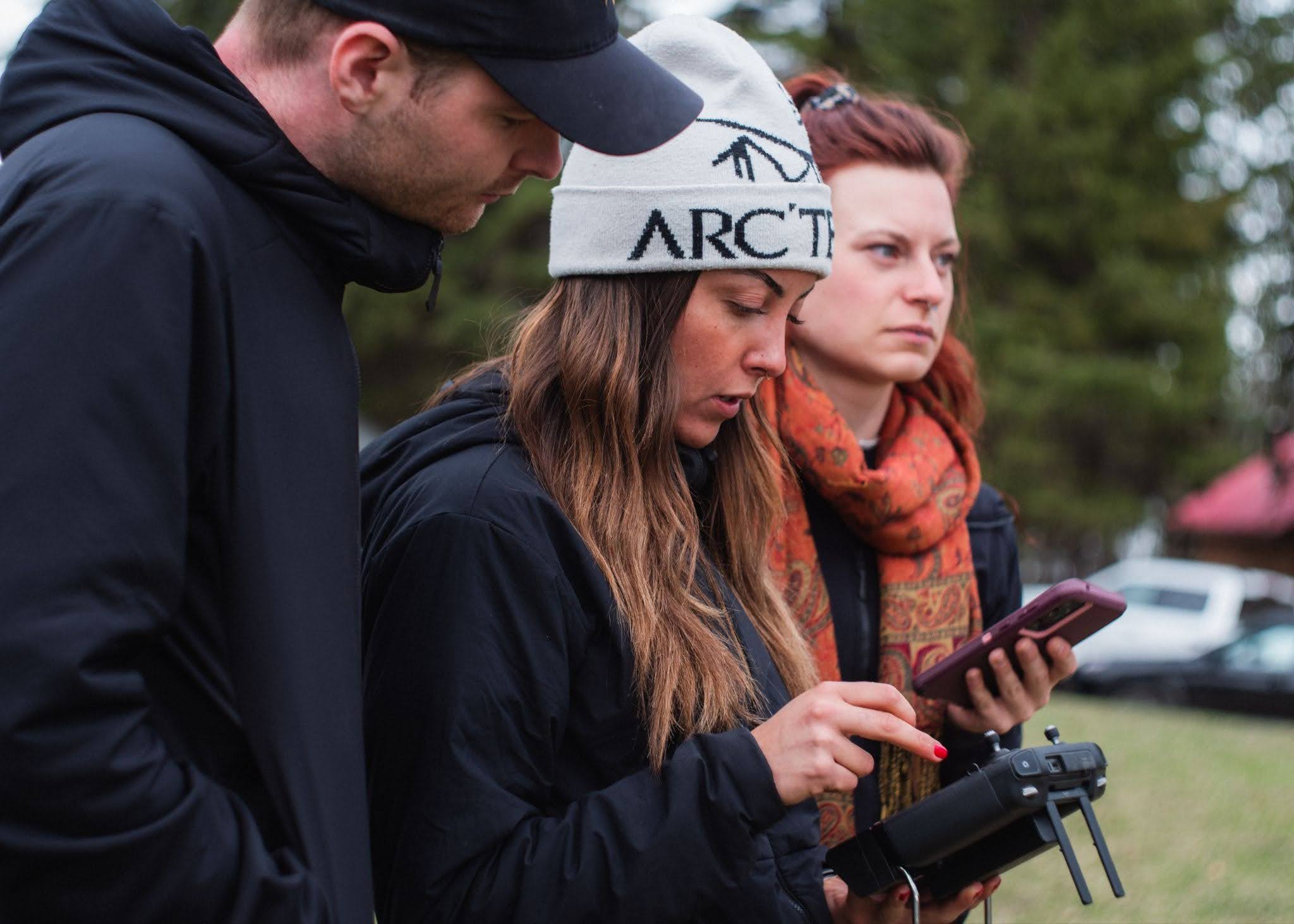
2. Cradlepoint
Best for: Vehicle-based operations, consistent connectivity across a fleet
Cradlepoint makes ruggedized cellular routers designed specifically for public safety vehicles. The R1900 series, for example, is FirstNet Trusted, supports 5G, and can aggregate multiple LTE/5G connections simultaneously meaning it can bond connections from multiple carriers to increase bandwidth and redundancy.
Whereas a phone hotspot is a personal solution, Cradlepoint is a fleet solution. It integrates into your vehicle, stays on, and can be managed centrally by IT. It also supports SD-WAN, which lets you optimize traffic and prioritize mission-critical data (such as Nova livestreams or mission uploads) over less critical traffic.
The trade-off: Cradlepoint is still dependent on carrier networks. It can help make wireless connectivity faster and more reliable, but it doesn't replace a signal. In areas with no service, it still won't help you.
Pairing with Starlink: Several agencies are now using Cradlepoint and Starlink together; Cradlepoint's R1900 can route traffic across two independent WAN paths (cellular + satellite), automatically using whichever is working. This is the current gold standard for no-fail field connectivity.
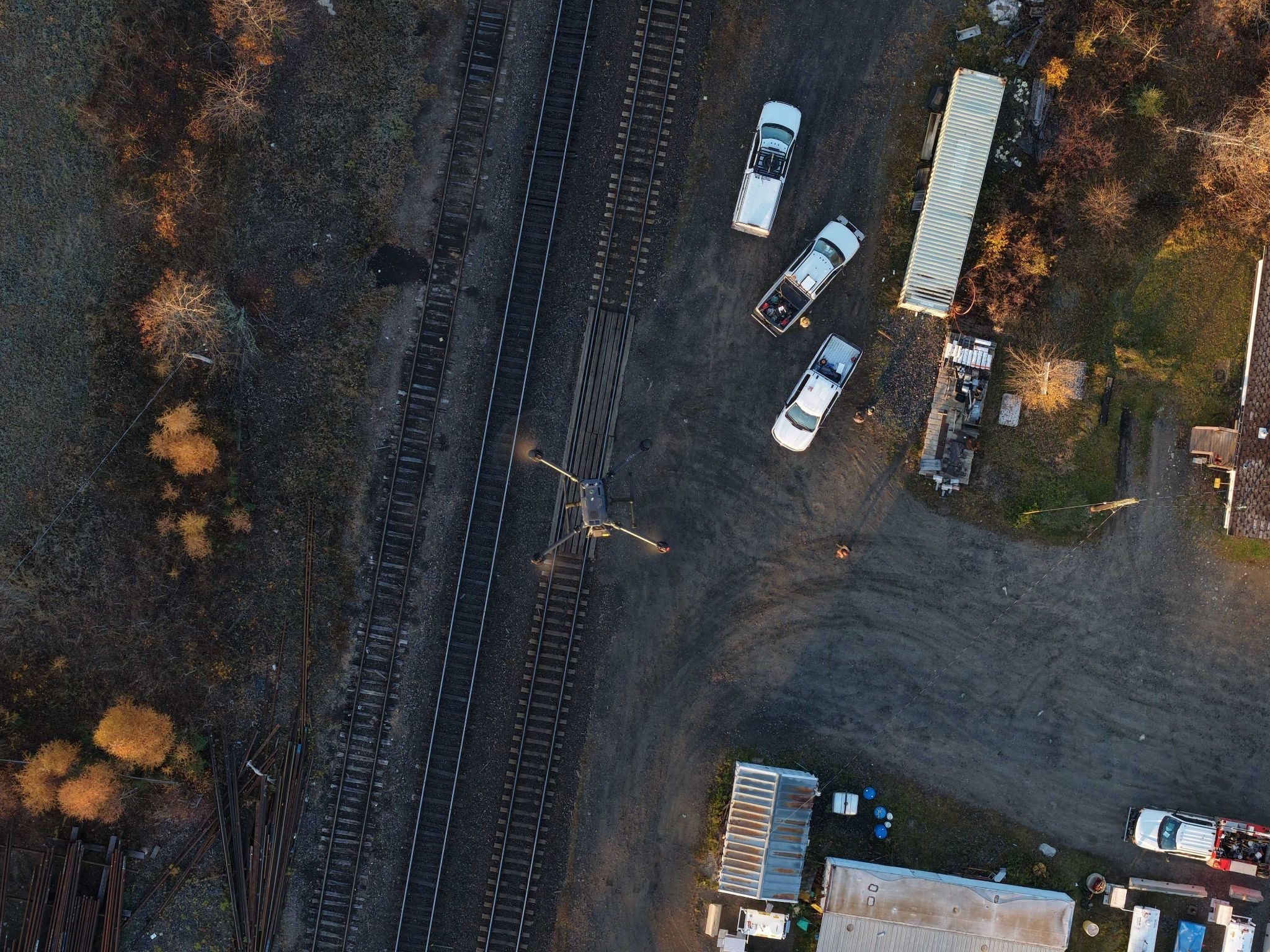
3. Starlink
Best for: Remote operations where cellular doesn't reach
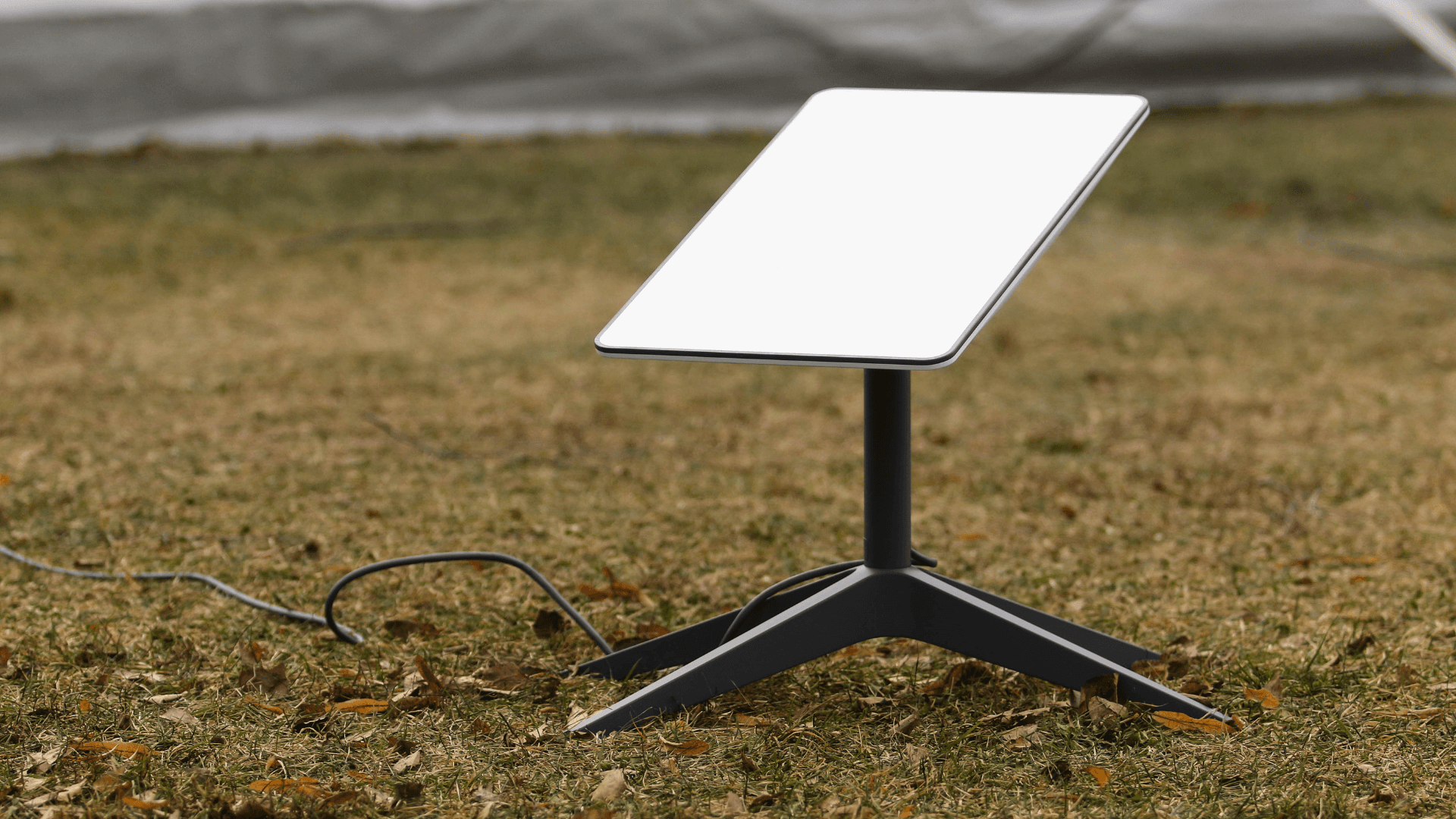
Starlink has become a serious option for public safety agencies over the last couple of years. The portable kit sets up in minutes, runs off a small dish that self-orients, and delivers broadband-class speeds anywhere you have a clear view of the sky. That last part matters: if you're in a dense urban canyon or under heavy tree cover, performance will vary.
The Starlink Mini is also worth noting. It's a compact, lightweight version of the standard kit that fits in a backpack, making it a practical option for crews who need satellite connectivity without hauling vehicle-mounted hardware. Adoption among field teams has grown quickly as the price has come down and the form factor has improved.
Authorized providers like PEAKE offer public-safety-specific managed Starlink plans, which include pooled data across multiple terminals (so your whole team draws from a shared pool instead of hitting individual caps) and offers priority access. If your agency operates in remote terrain, this is worth evaluating seriously.
Latency note: Starlink's latency has improved substantially; it now typically runs 25–50ms, which is fast enough for real-time applications like live video streaming. For Nova mission uploads, live streams, and data syncing, it’s more than sufficient.
The catch: Cost. Hardware runs a few hundred dollars per terminal, and monthly plans for public safety are more expensive than consumer tiers. For agencies with regular remote operations, the ROI tends to be there. For occasional use, it may not pencil out.
4. Mesh Networks
Best for: Local team communication when internet isn't available at all
Mesh networking tools like goTenna Pro or Persistent Systems MPU5 create a local radio network between devices with no cellular, no satellite, no internet required. Team members can share location, communicate, and pass data peer-to-peer within the mesh.
This is a different category than the others: mesh doesn't give you cloud connectivity. You won't be able to upload to Nova or access cloud-processed data over a mesh network alone. What mesh does is keep your team connected to each other in the absence of any infrastructure. It's a complement to the options above, not a replacement.
Some agencies pair mesh with a single Starlink or LTE gateway node, which then backhauls data for the mesh network. This gives you the best of both worlds: local resilience plus cloud access where available.
Choosing the Right Setup
No single solution fits every operation. Here's a quick framework:
|
| ||
|---|---|---|---|
|
| ||
|
| ||
|
| ||
|
| ||
|
|
The agencies we see getting the most out of Nova in the field aren't the ones with the fastest hardware, they're the ones who've solved connectivity in advance, before the incident. Whatever your most common operational environment looks like, it's worth mapping out your connectivity plan while you're not in the middle of a deployment.
Have a connectivity setup that's working well for your team? We'd love to hear about it reach out to us at hello@mapnova.com
Start for free today.
Craft the future. Respond to the present.