Back to blog
Apr 1, 2026
Tips and Tricks
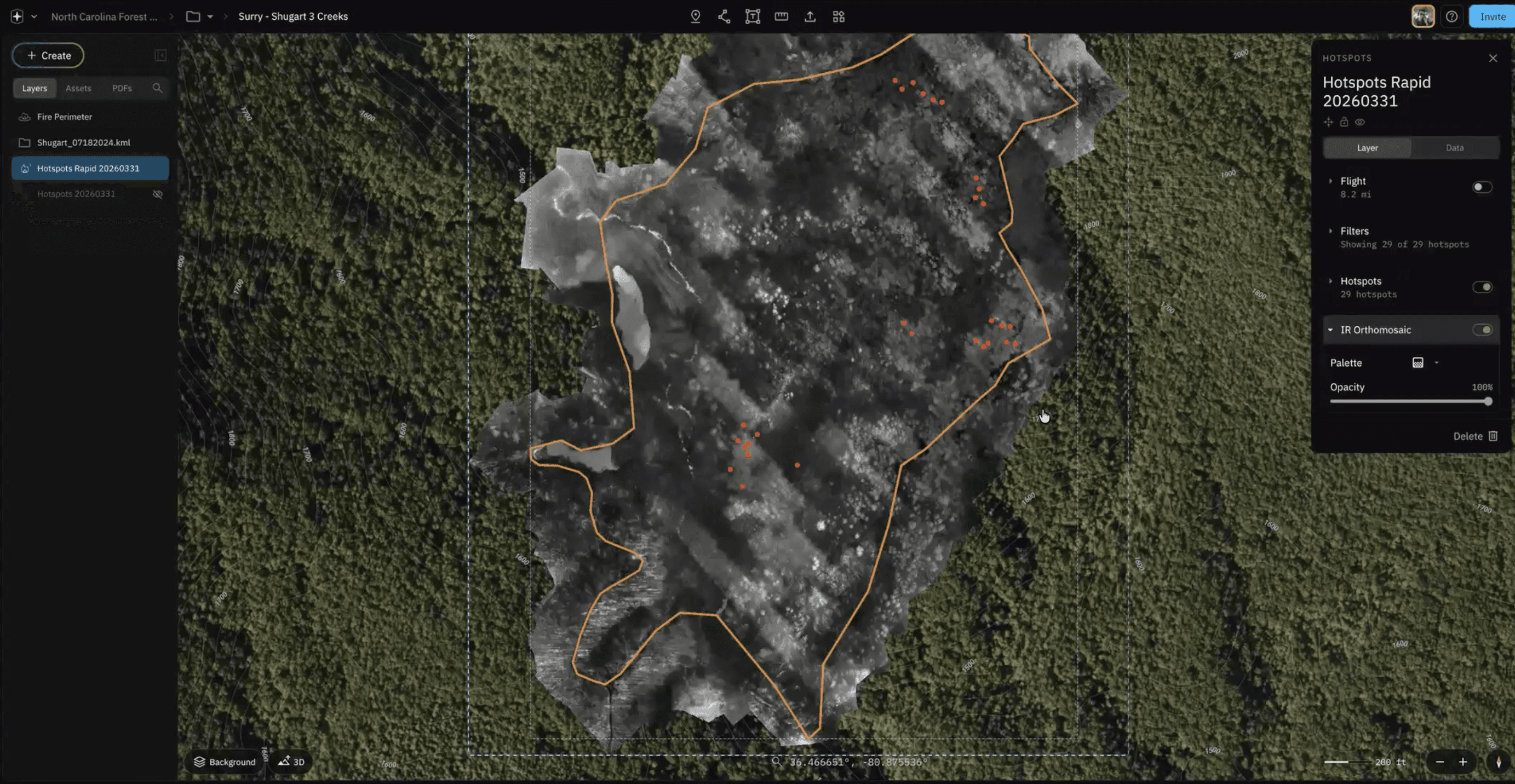
You’ve probably heard me talking a lot about Rapid Mode lately, so let’s break it down, what it is, and more importantly, why it matters to you in the field.
The answer is in the name: Rapid.
When you’re working in emergency management, time isn’t just important—it’s everything. Every second counts when it comes to safety, organization, and maintaining situational awareness. The faster you can understand what’s happening on scene, the faster you can act.
Over the past 2.5 years, we’ve been building a new stitching engine designed specifically for speed and reliability. Rapid Mode allows you to generate real-time orthomosaics for both RGB and thermal (IR) imagery directly within Nova.
As long as you have a stable connection, whether that’s Wi-Fi or a hotspot, images captured in flight are sent to Nova and begin processing immediately. That means by the time you land, your data is already stitched, mapped, and ready to use.
And if anything happens mid-process, you still have your SD card data as a fallback, so you’re never losing critical information.
In this Just Ask Jake, we’ll walk through the basics of Rapid Mode and how it powers real-time orthos and hotspot detection.
Why Rapid Mode Matters
There are three key reasons Rapid Mode is such a game changer:
Less overlap required
Processing speeds 10–100x faster
Built for real-time orthomosaics and hotspot detection
Less Overlap Required — Really?
Yes, really.
Traditionally, orthomosaic processing depends heavily on high overlap between images. If you don’t have enough, your map won’t stitch properly.
We tested this directly.
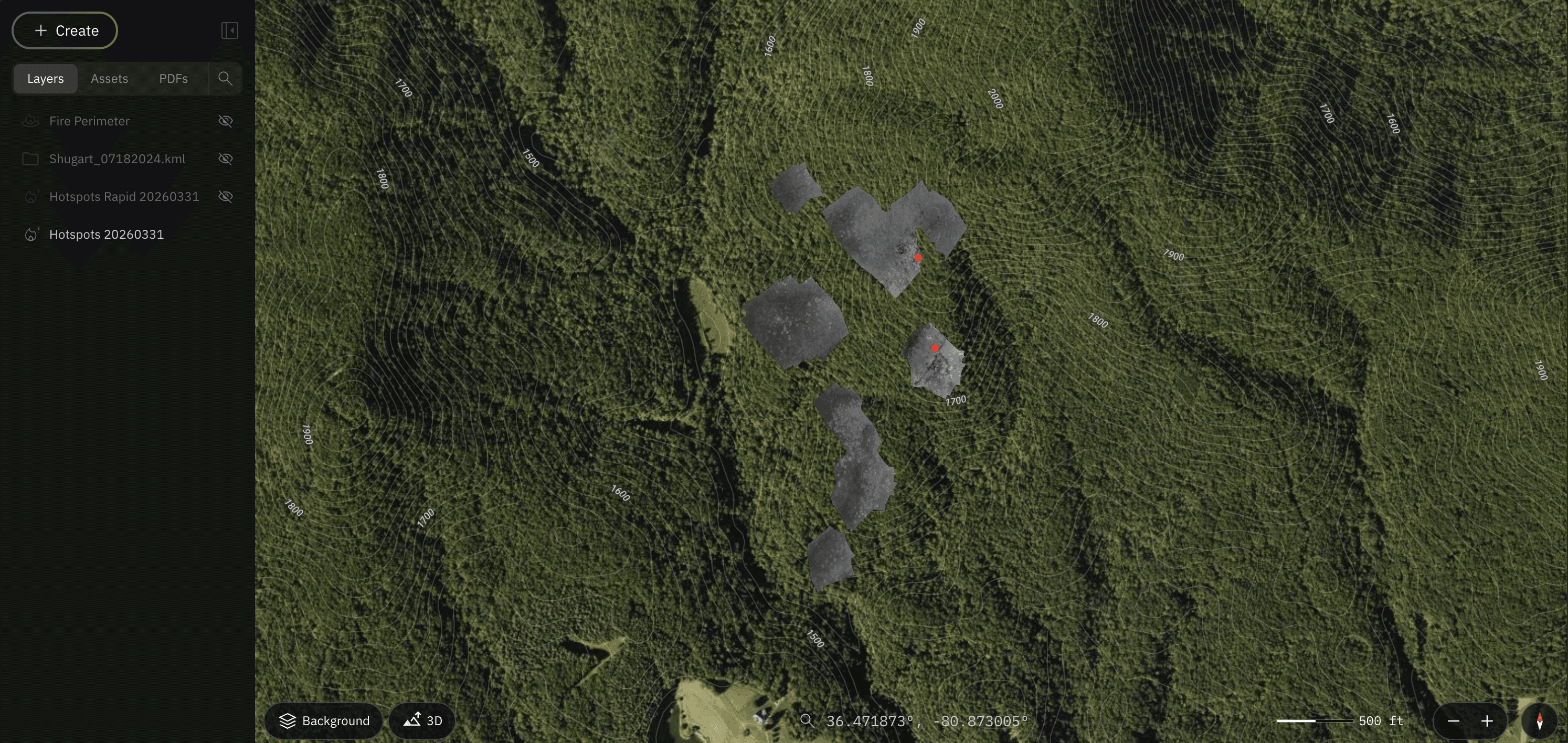
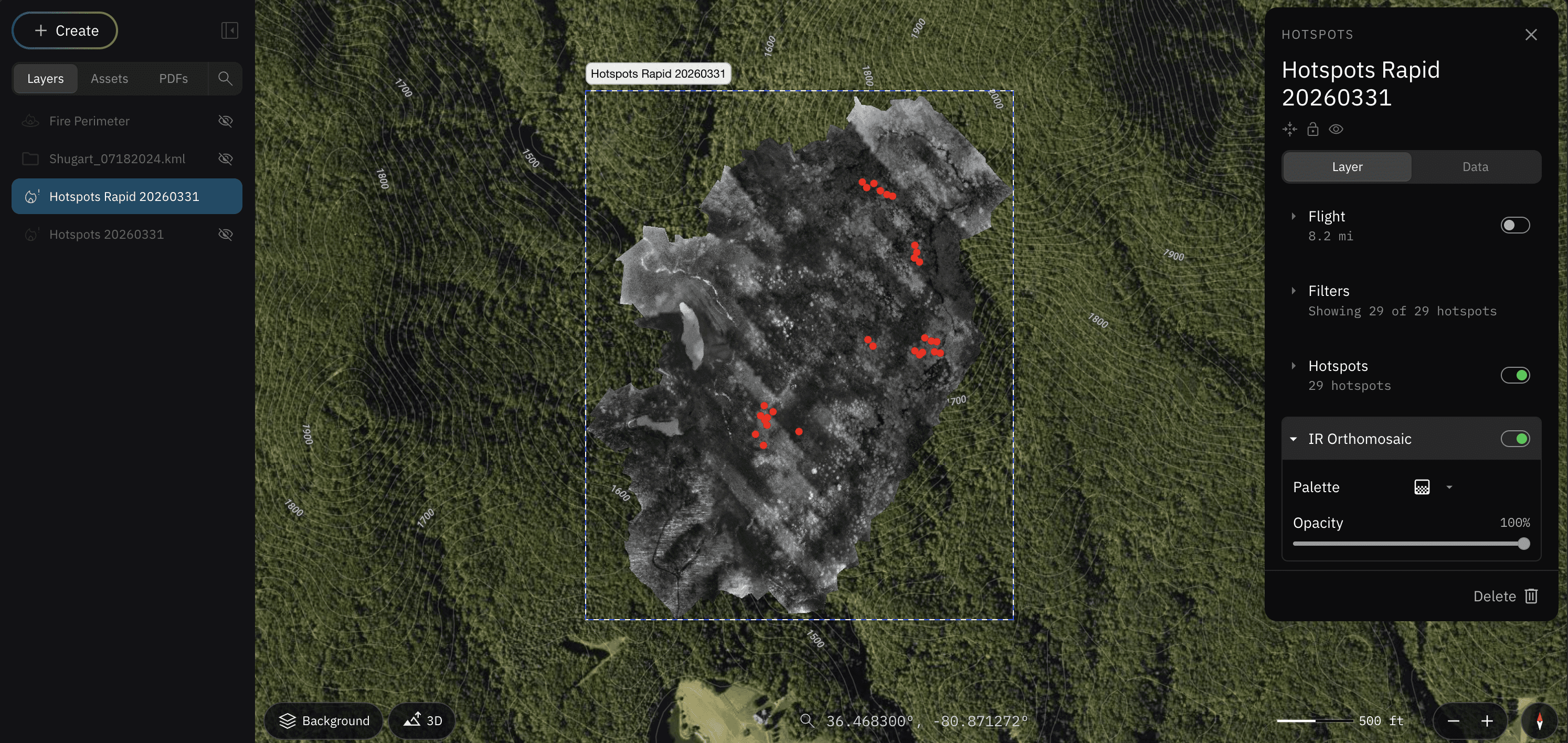
In this example, a dataset processed under General Mode failed to stitch due to insufficient overlap. We then ran the exact same dataset through Rapid Mode and it successfully generated an orthomosaic and accurately placed hotspots.
What does that mean for you?
Less overlap means:
More ground covered per flight
Faster mission execution
More usable data when time is limited
When you’re on an active scene, that efficiency makes a real difference.
How to Enable Rapid Mode
Getting started is straightforward.
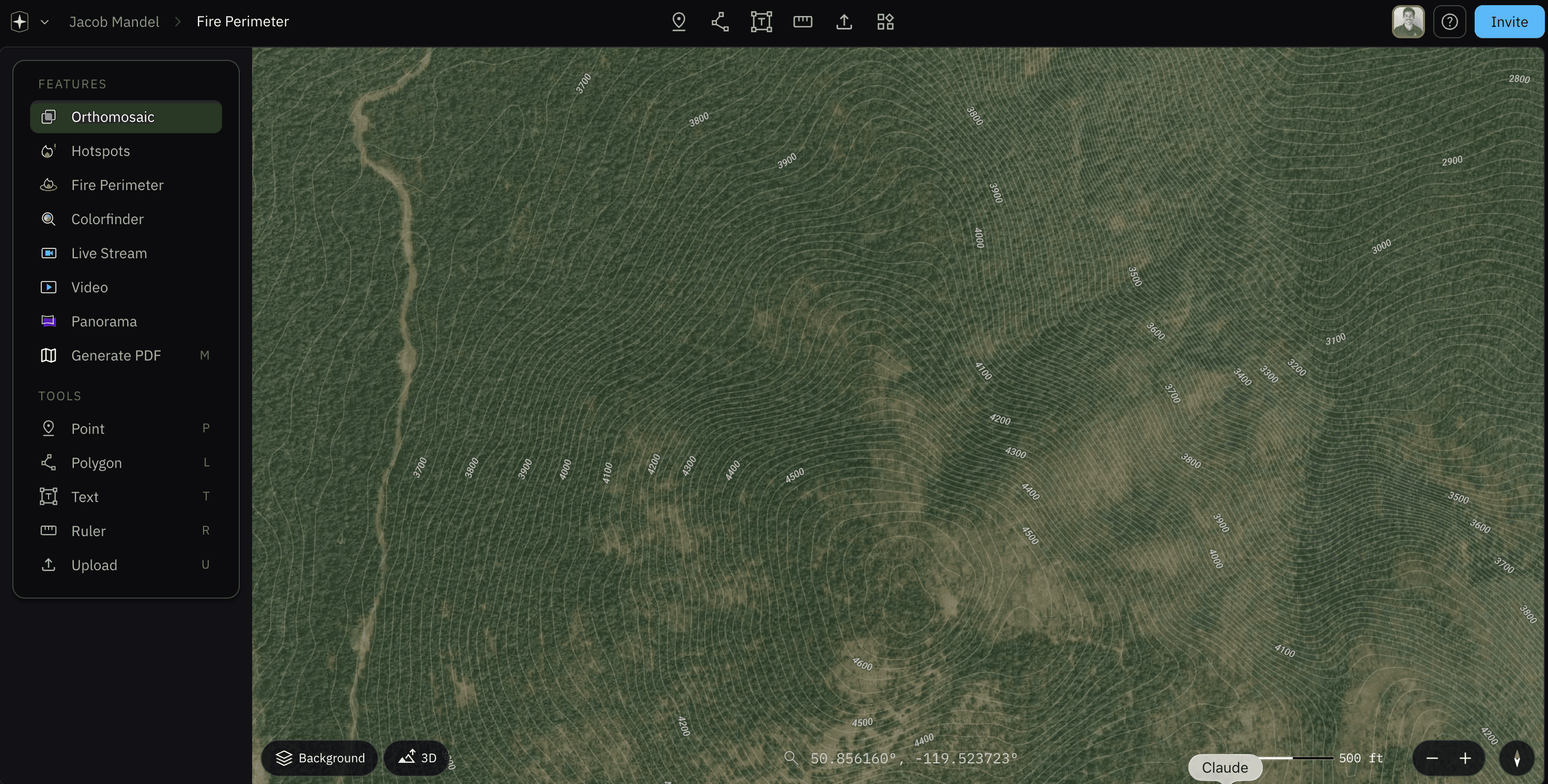
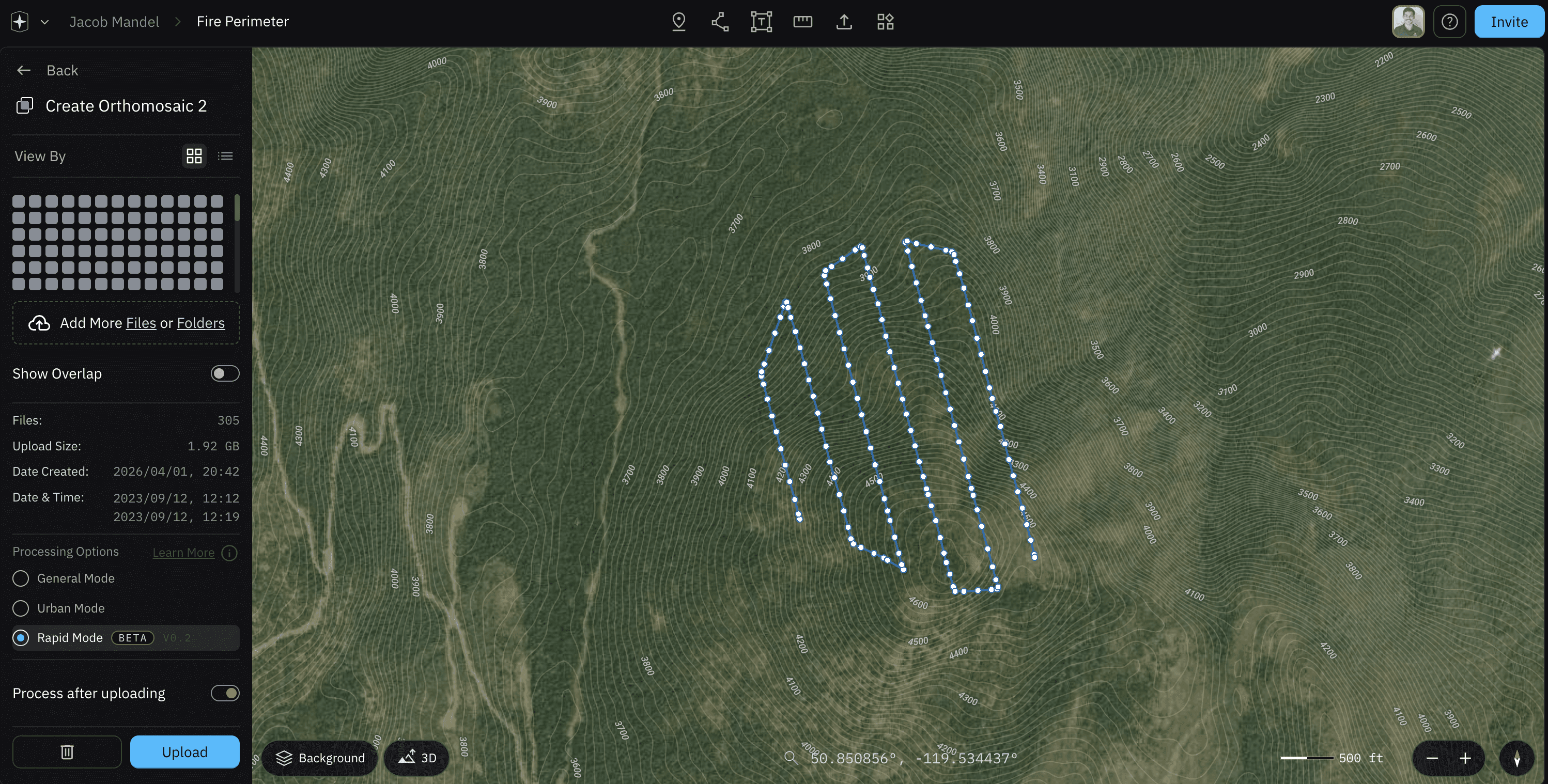
To generate an orthomosaic:
Navigate to the Create tab
Select Orthomosaic
Import your images
Choose your processing mode:
General Mode
Urban Mode
Select Upload
From there, Nova handles the processing and stitching in the cloud.
Let’s Talk Speed
This is where Rapid Mode really stands out.
In one test, I uploaded a 2 GB dataset with over 300 images. The full Orthomosaic processed and populated on the map in about one minute.
That kind of speed changes how you operate. Instead of waiting, reviewing later, or making decisions with partial information you’re working with a near real-time view of the scene.
Rapid Mode for Hotspots
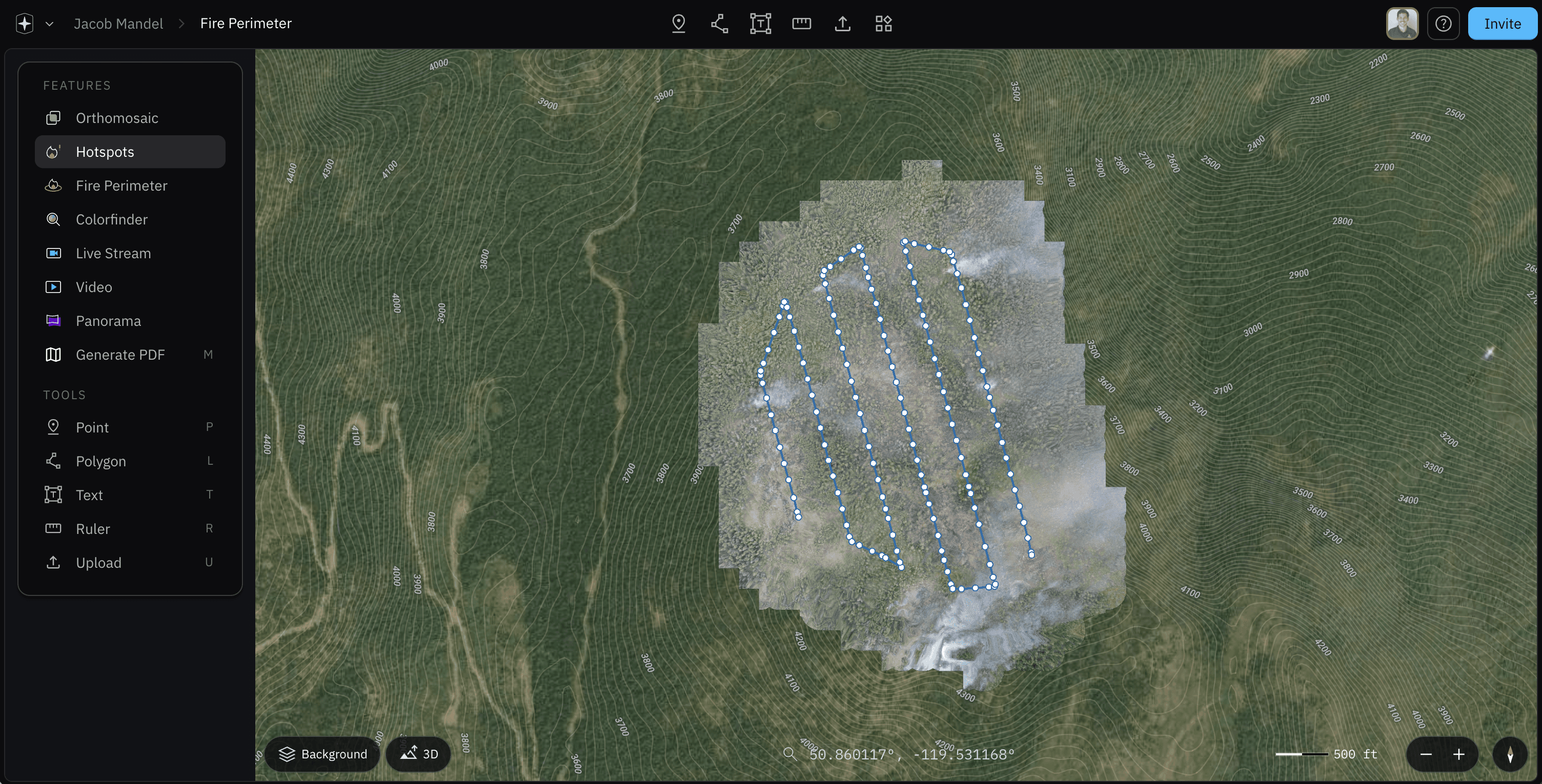
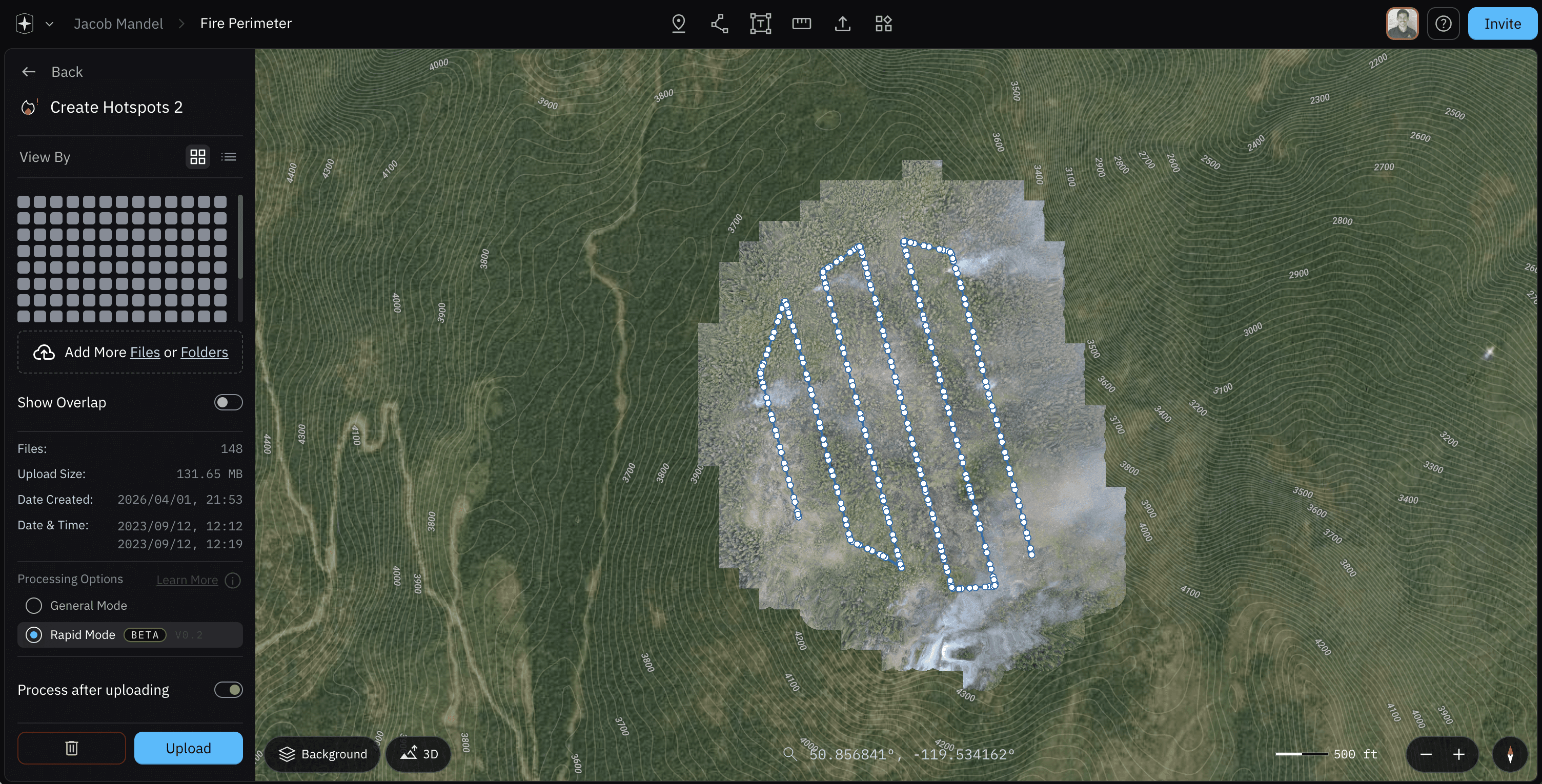
The workflow for hotspot detection is just as simple:
Go to the Create tab
Select Hotspots
Import your images
Choose Rapid Mode under processing options
Nova will process and identify hotspots using the same high-speed engine.
Real-Time Orthomosaics and Hotspots
Now let’s take it a step further.
Rapid Mode isn’t just about faster post-processing, it enables real-time mapping while you’re still in flight.
Here’s how to set it up:
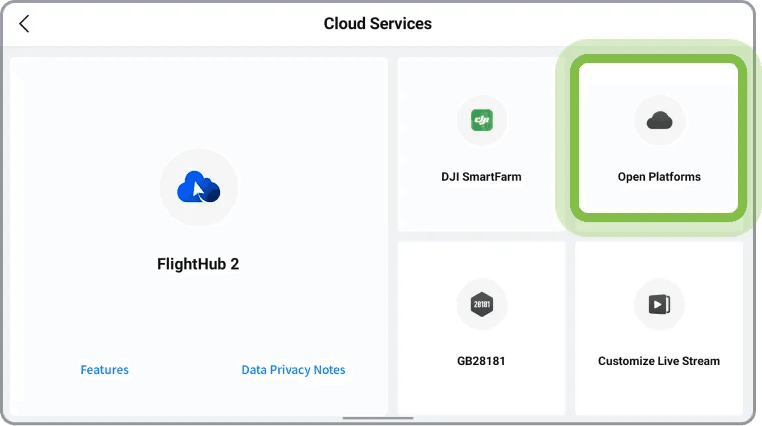
Open the DJI Pilot 2 app
Navigate to Cloud Services → Open Platform
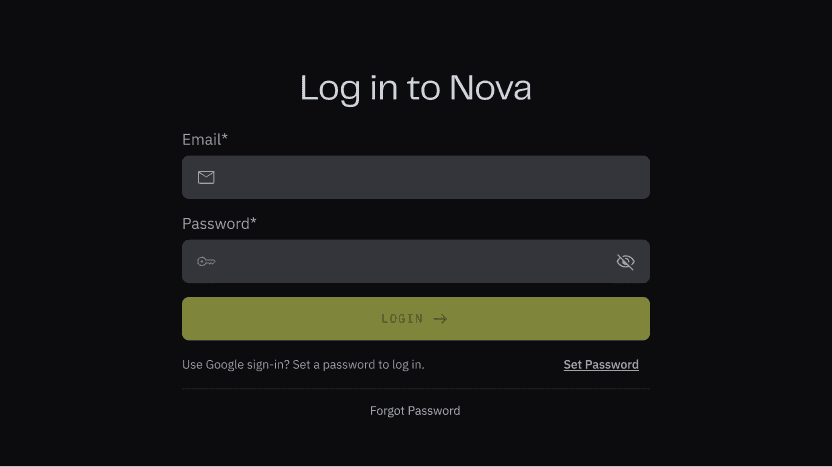
Log in with your Nova credentials
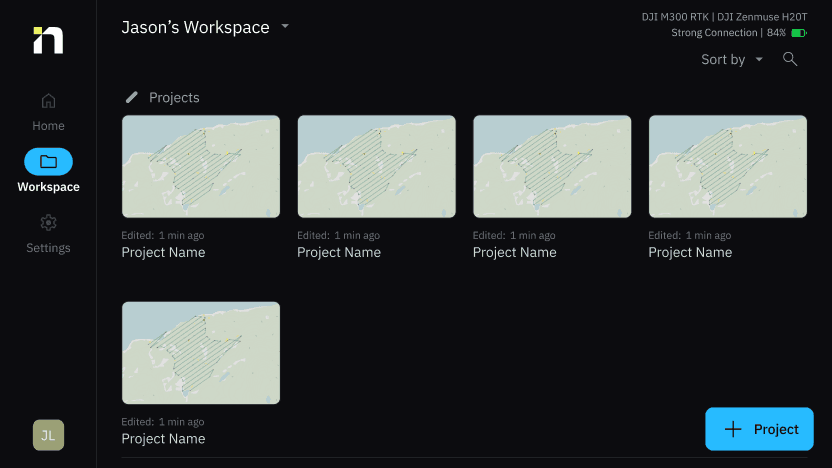
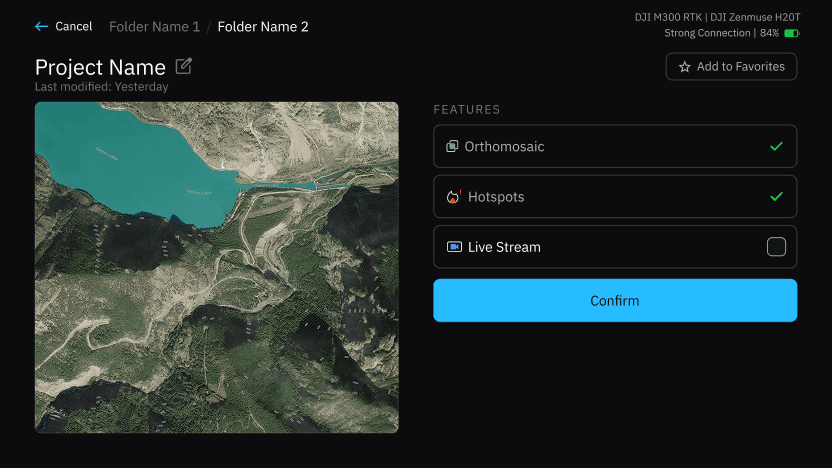
Select your workspace and project
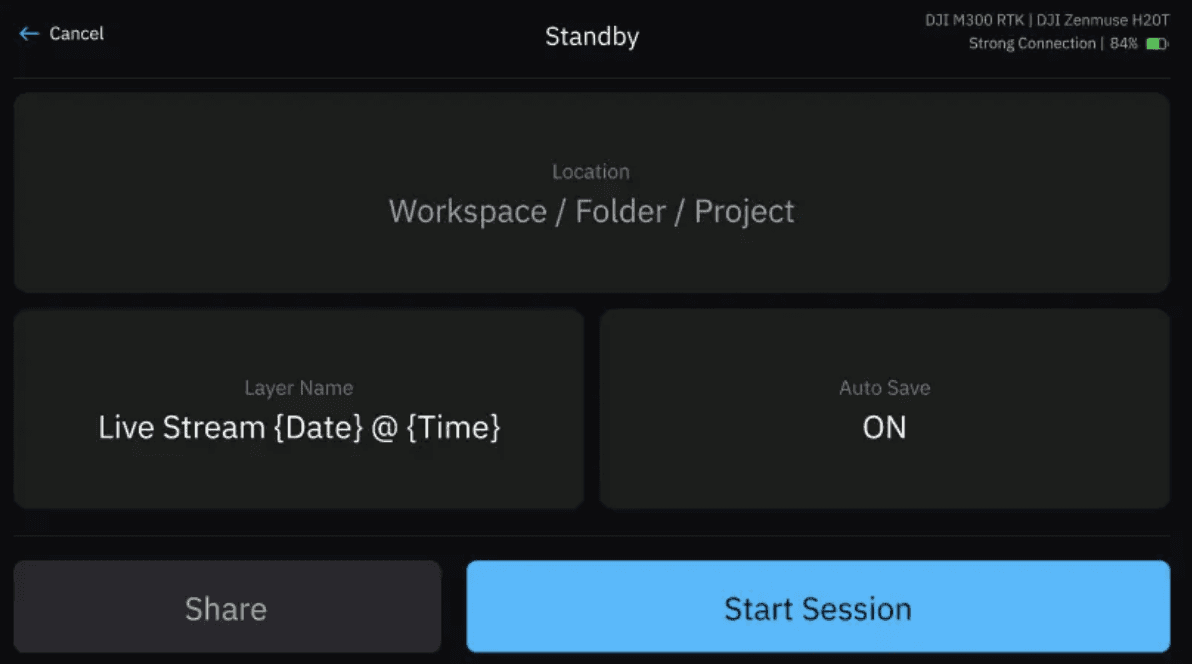
Start your mission
As your drone captures images, they are automatically sent to Nova and begin stitching into your project in real time.
By the time you’re done flying, your Orthomosaic, and your Hotspots, are already there.
No waiting. No delays. Just data you can act on immediately.

Just Ask Jake Recap
Rapid Mode isn’t just about speed; it’s about changing how quickly you can understand and respond to a scene.
It reduces dependency on perfect flight conditions, expands your coverage, and delivers usable data while operations are still active.
In environments where time matters, that shift from delayed insight to real-time awareness can make all the difference.
If you want to try it out or have questions, reach out to the team. We're always here to help.
Start for free today.
Craft the future. Respond to the present.