Back to blog
May 15, 2026
Tips and Tricks
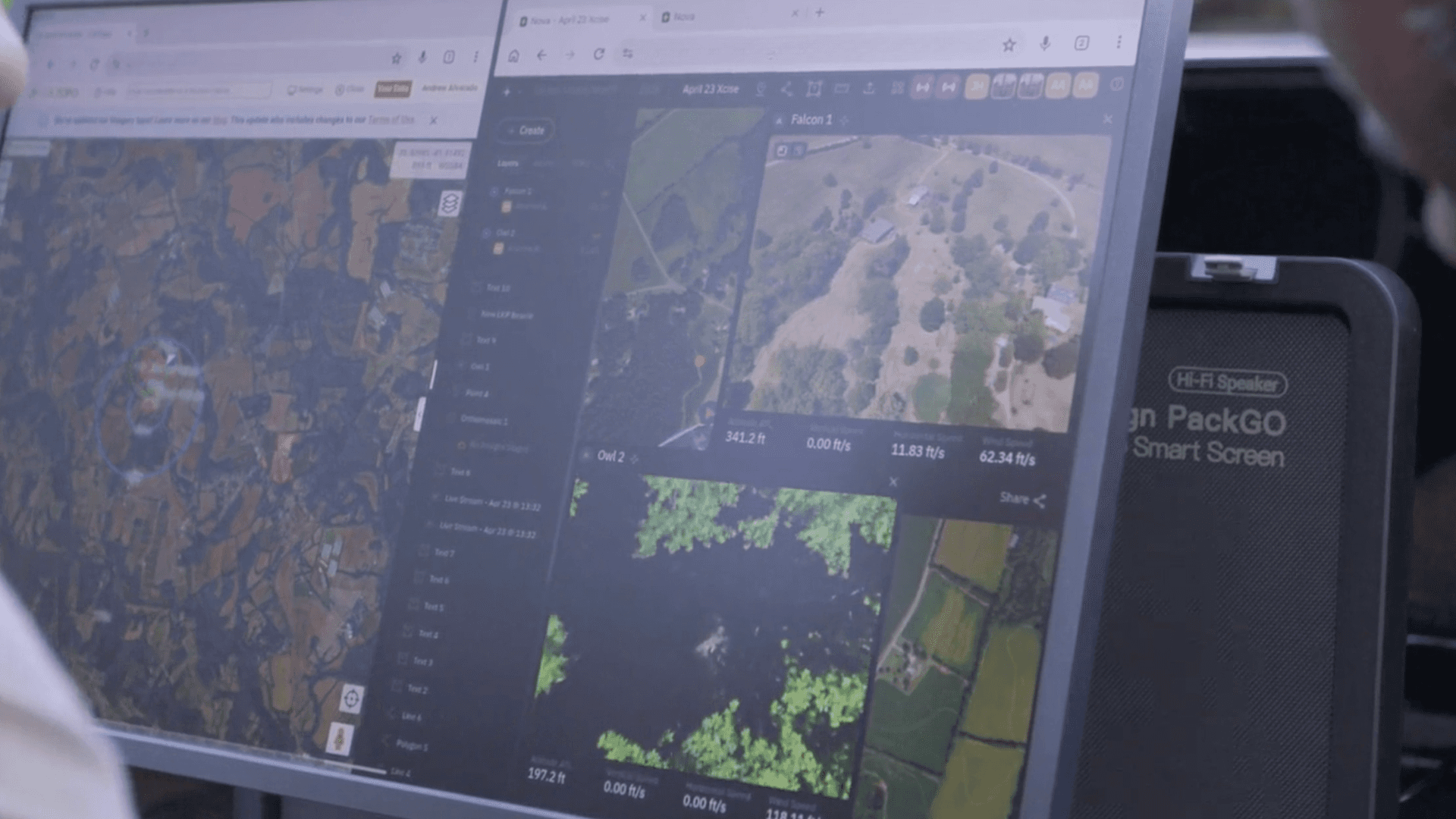
Nova offers three livestreaming options: DJI Native App Livestream, Aircast, and Multi-Stream Link. In this guide, we’ll focus on the Multi-Stream Link.
Each individual livestream in Nova has its own unique URL. The Multi-Stream Link is different because it’s a static link tied to your workspace. Any new livestream created will automatically appear in this shared view, making it easy to monitor all active streams in one place.
In this guide, we’ll walk through:
How to access the Multi-Stream Link
How to share it
Security and password options
What you’ll see in the Multi-Stream view
Navigating to the Multi-Stream Link
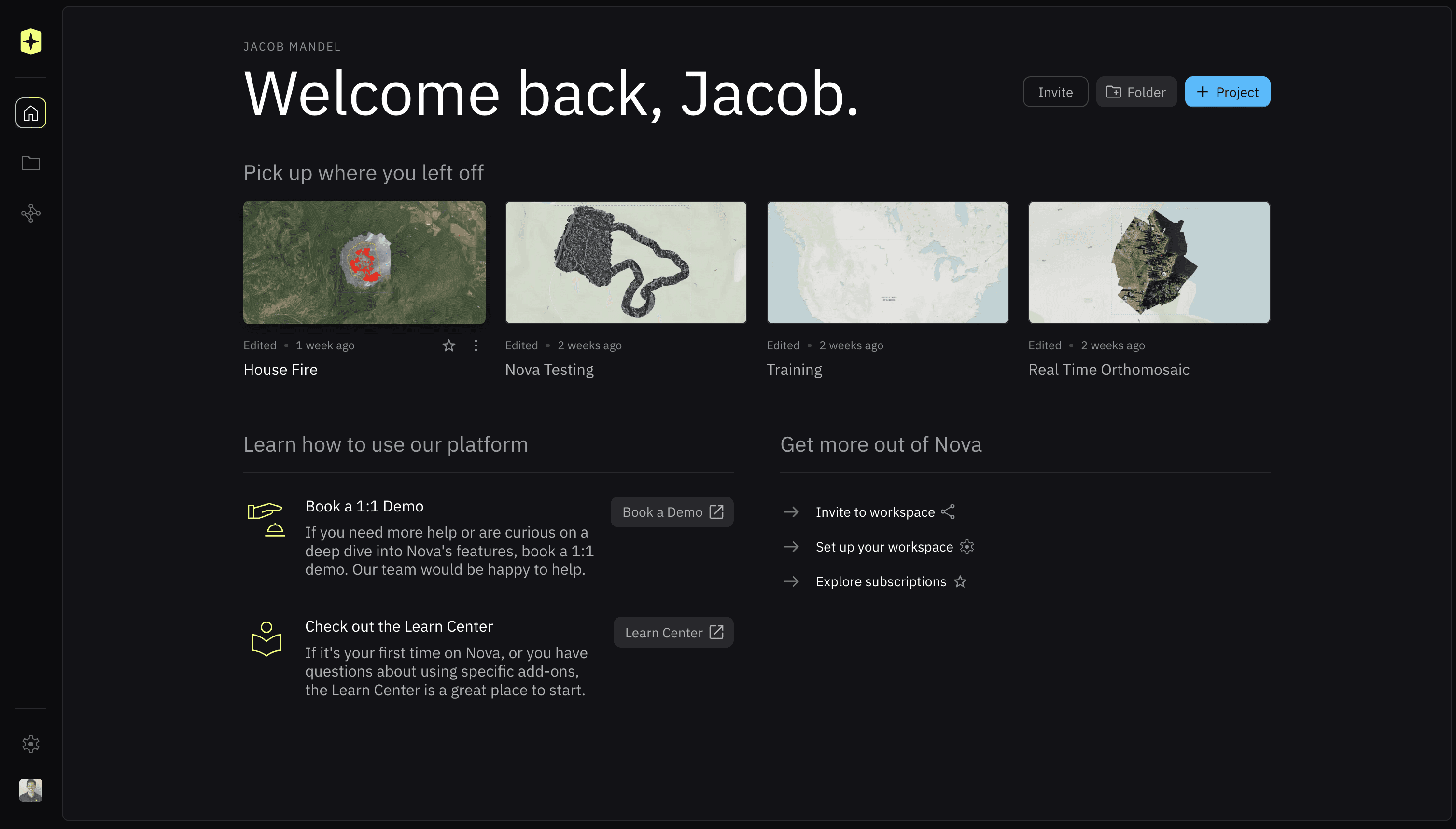
From the Welcome Page, Workspace Home, or Pilot & Fleet Tracking Home, locate the gear icon in the bottom-left corner.
Click the gear icon to open Settings.
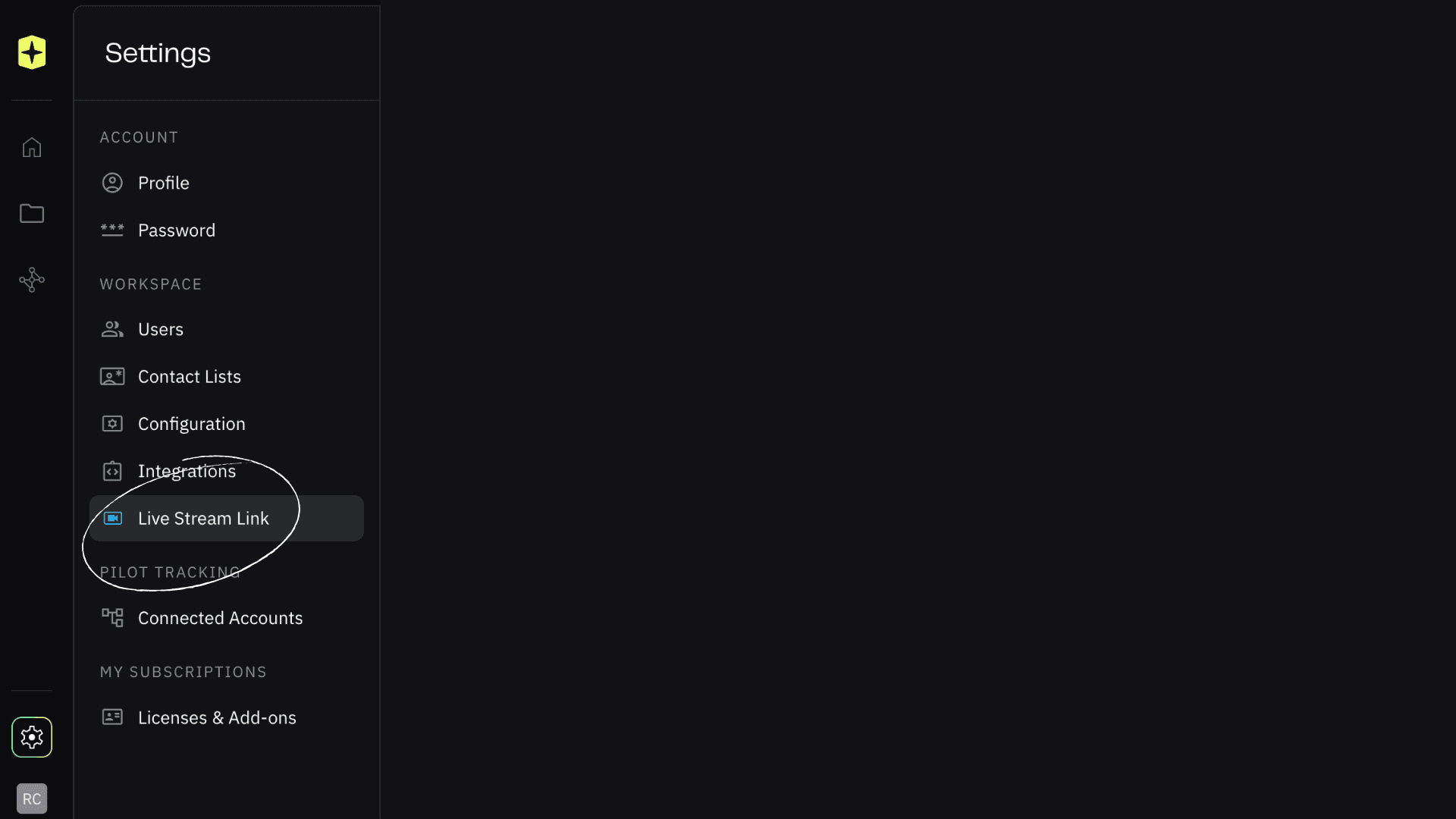
Scroll to the bottom of the Workspace Settings tab.
Select “Live Stream Link” to open the Multi-Stream Link page and view sharing options.
Connecting & Sharing the Multi-Stream Link
Click “Start Connection” to create and bind a static URL to your workspace.
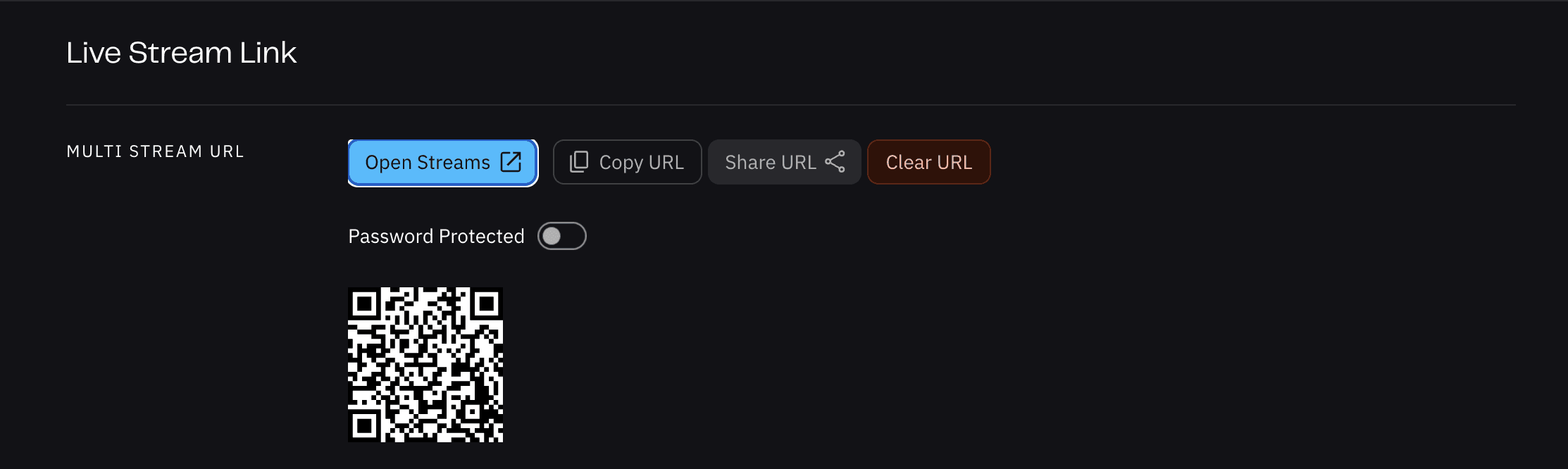
Once connected, you can share the link in several ways:
Open Streams — opens the link in a new browser tab
Copy URL — share manually
Share URL — send via email, text, or saved lists
QR Code — scan to open instantly on a mobile device
Tip: Many teams print the QR code and place it in vehicles or stations for quick access in the field.
Clearing the URL & Password Protection
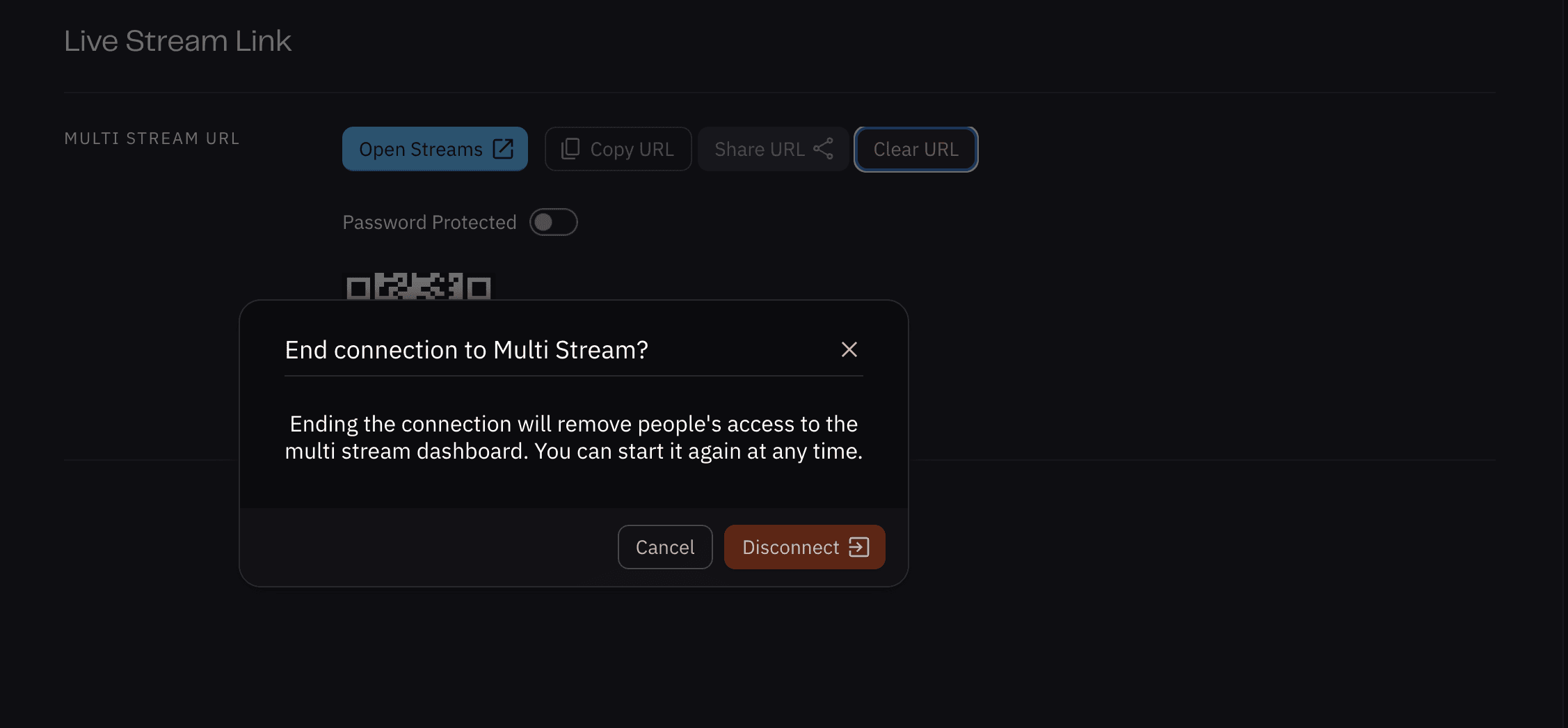
Clear URL — disables the static link for all users currently viewing streams
Enable Password Protection — restricts access to users with the password for added security
Multi-Stream View
All active livestreams in your workspace appear at the bottom of the screen
Click any stream to bring it into the main view
There is no limit to how many streams can be active at once
At the end of the day, the Multi-Stream Link is about making livestreams easier to access and share, especially when things are moving quickly. Instead of tracking down individual links, your team has one place to go, every time. It’s a simple change, but one that makes a big difference in how teams stay connected and informed in the field.
Start for free today.
Craft the future. Respond to the present.